
A look inside TPV Online
Real screens from the application, just as you will see them in your shop: clear, touch-friendly and designed for fast selling. The interface is in Spanish. Click any image to see it full size.
YouTube channel
Learn to use TPV Online with short videos
On our channel we publish practical step-by-step tutorials (in Spanish): how to add products with sizes, salespeople and permissions, take payment by bank transfer or with shop coupons, send digital receipts, set up a second screen, run sales, sell in bulk or import your data.
 Cómo dar de alta usuarios y vendedores en TPV Online. Control muy sencillo
 Cómo dar de alta modelos con tallas. Más fácil imposible. Ahora en TPV ONLINE
 Cómo usar cupones o bonos de comercio de tu ayuntamiento. Gesio TPV Online
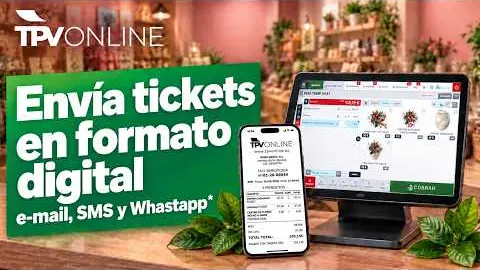 Como enviar tickets digitalmente en TPV Online de GESIO. Imprime sólo cuando necesites. Eco Mode
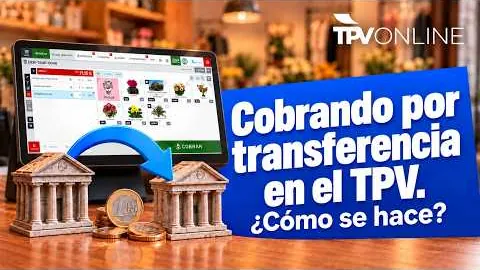 Cómo cobrar por transferencia bancaria en una venta en el TPV Online de GESIO
 Cómo configurar una segunda pantalla en TPV Online Gesio.
User manual
All the answers, in an online manual
TPV Online has a help manual that is always available (in Spanish), organised by topic: setting up your POS, everyday tasks, advanced tools and sales reports. Each guide explains the process step by step.
Open the manual →Some of its guides
- First steps to set up your POS
- Opening and closing the till
- Processing a return
- Generating labels and vouchers
- Sizes and colours
- Bulk sales and weighing
- Stocktakes and purchase orders
- Backups
Free demo
See your shop running on TPV Online
Tell us what you sell and how you work. A consultant will contact you within 24/48 h to show you the POS set up for your sector.
- Personalised online demo
- Clear, no-obligation quote
- Review of your VeriFactu situation