
Free migration on every plan
We handle the move.
No more typing references by hand or losing your old shop's stock. Our technical team reviews, cleans and loads your data into TPV Online in record time.
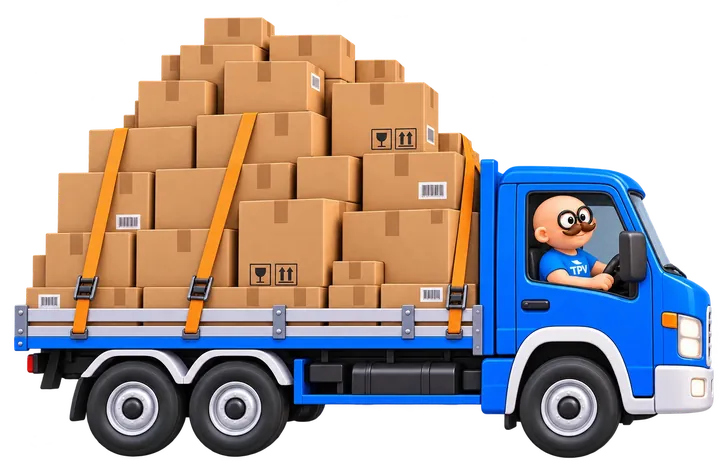
The process
How the migration works, in 4 steps
Export and send
Send us an Excel or CSV file or a backup from your previous software.
Review and clean-up
We remove duplicates, check faulty barcodes and standardise size and price formats.
Data load
We load your products, stock and customers into TPV Online automatically.
In-store check
We test it with you by scanning items at the counter to make sure everything is right.
What we import
The data we import into your POS
We focus on what matters so your counter works from the very first minute.
Product catalogue
Barcodes (EAN), references, descriptions, families, cost price, retail price with VAT and sector variants: sizes, colours or the second-hand margin scheme.
Stock and inventory
The units available in each warehouse or shop at changeover, so your first cash count balances.
Customer base
Name, tax ID for invoicing, phone, email and the price list or discount assigned to each customer.
Templates
Download the sample templates
Want to see how we organise the data? Download our CSV templates, compatible with Excel, for products and customers.
Free demo
See your shop running on TPV Online
Tell us what you sell and how you work. A consultant will contact you within 24/48 h to show you the POS set up for your sector.
- Personalised online demo
- Clear, no-obligation quote
- Review of your VeriFactu situation
 +34 963 32 90 20